Ashes of the Singularity II Demo Walkthrough Guide
Quick answer
The demo is free on Steam during Next Fest and contains two factions (United Earth Forces and Post-Human Coalition), full skirmish against AI, multiplayer for up to 8 players, three maps, Arctic and Desert environments, day and night scenes, and save and load functionality. You play it like any skirmish RTS: build an economy, capture regions, and destroy every enemy headquarters or nexus.
| Demo factions | United Earth Forces and Post-Human CoalitionAshes of the Singularity II Demo Available Now on Steam Next Fest |
|---|---|
| Demo modes | Skirmish against AI plus 8-player multiplayer with AI backfillAshes of the Singularity II Demo Available Now on Steam Next Fest |
| Demo maps | Small (2-4 players), Medium (2-6 players), Large (2-8 players), Arctic and Desert environmentsAshes of the Singularity II Demo Available Now on Steam Next Fest |
| Demo availability | Free demo released during Steam Next Fest; full game launches Nov 10, 2026Ashes of the Singularity II on Steam |
This Ashes of the Singularity II demo walkthrough covers factions, maps, modes and a first skirmish route from base build to victory, answering how to win.
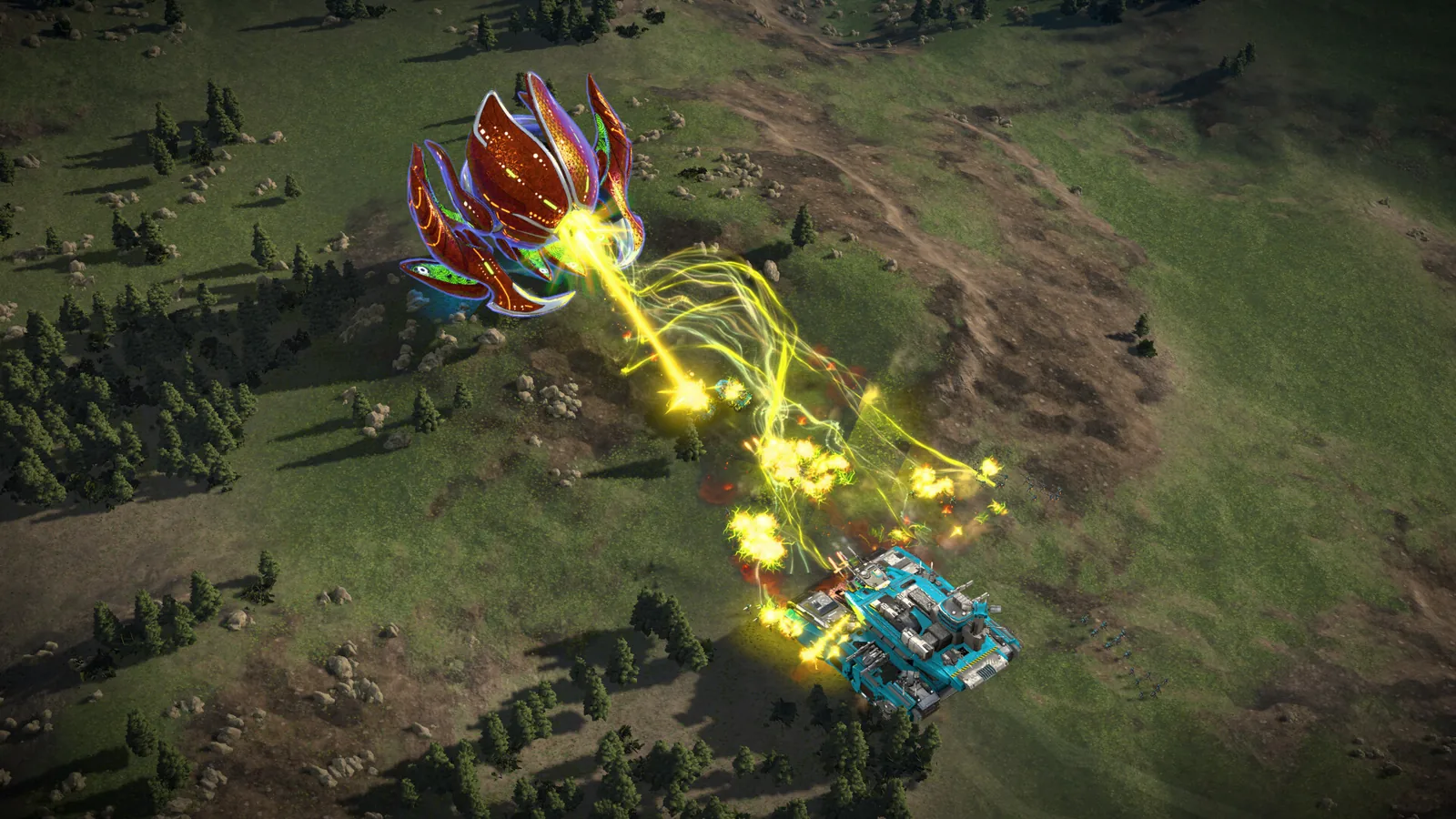
Table of Contents
The demo is free on Steam during Next Fest and contains two factions (United Earth Forces and Post-Human Coalition), full skirmish against AI, multiplayer for up to 8 players, three maps, Arctic and Desert environments, day and night scenes, and save and load functionality. You play it like any skirmish RTS: build an economy, capture regions, and destroy every enemy headquarters or nexus.
What the demo includes
Per Stardock's official demo announcement, the free build offers:
- Two playable factions: the United Earth Forces and the Post-Human Coalition, with the Post-Humans fielding mechs and energy-weapon tanks against the UEF's conventional army
- Skirmish mode against AI
- Full multiplayer for up to 8 players, with AI backfill as an option
- Three maps: Small (2-4 players), Medium (2-6 players), and Large (2-8 players)
- Arctic and Desert environments, with day and night scenes
- Save and load functionality
Note the demo covers skirmish and multiplayer only; the single-player campaign is not part of it. The full game launches on November 10, 2026, per the official Steam page.
How a first skirmish plays out
The route below follows the developer's own Getting Started video, so the menu names and unit behavior match what you see in the demo-era build.
Start a skirmish
From the main menu, choose skirmish. On the map screen pick your map (Twin Lakes works fine) and hit Next. On the player configuration screen set your opponent to the trainable AI, a very easy, almost sandbox opponent, then hit Start.Handle the tutorial popup
On your first session a tutorial popup explains the interface. You can close it and reopen it anytime with the question-mark button near the bottom-right minimap.Build your economy
From your corner base, open the building construction menu and place a barracks in an owned region where a spot is available, then queue durantium extractors on top of durantium nodes. Holding left Shift while placing queues multiple buildings.Capture regions with the Razer squad
Select your starting Razer squad with left click and right click to move, or press E for an attack-move so it engages anything on the way. Clear the hostile skirmishers around a power relay and hold the region for about 10 seconds to capture it.Recruit and reinforce armies
Click your barracks to recruit a new army, for example four rifle squads (left click to add, right click to remove). New units spawn at the army's rally point and later reinforcements march out from the nearest barracks to rejoin the army. You can set an army to auto-replenish, but that drains resources.Spend tech unlocks
When the glowing indicator appears, open the technologies screen (top right) to purchase upgrades such as garrison protocol.Push and win
Keep capturing regions, build more extractors, and use orbital drops like a recon drone to scout. Once you locate and destroy all enemy headquarters or nexuses, you get the victory screen and the match ends.
FAQ
Where do I get the Ashes of the Singularity II demo?
The demo was released free on Steam as part of Steam Next Fest per Stardock's announcement; find it on the game's Steam page, and wishlisting the full game keeps you notified for the November 10, 2026 launch.
Does the demo have multiplayer?
Yes. It includes full multiplayer for up to 8 players, with optional AI backfill.
Which factions can I play in the demo?
Two: the United Earth Forces and the Post-Human Coalition. The AI Substrate, a third faction in the full game, is not listed in the demo announcement.
Is the campaign in the demo?
No. The demo covers skirmish and multiplayer; the campaign arrives with the full release on November 10, 2026.
Check note
Facts on demo contents come from Stardock's official demo announcement (February 23, 2026) and the official Steam page, checked 2026-11-05. The step-by-step route follows Oxide's official Getting Started video; it reflects that recorded build, and unlisted details such as current demo availability after Next Fest remain unconfirmed.
Related guides for this game
Guide Guides Index
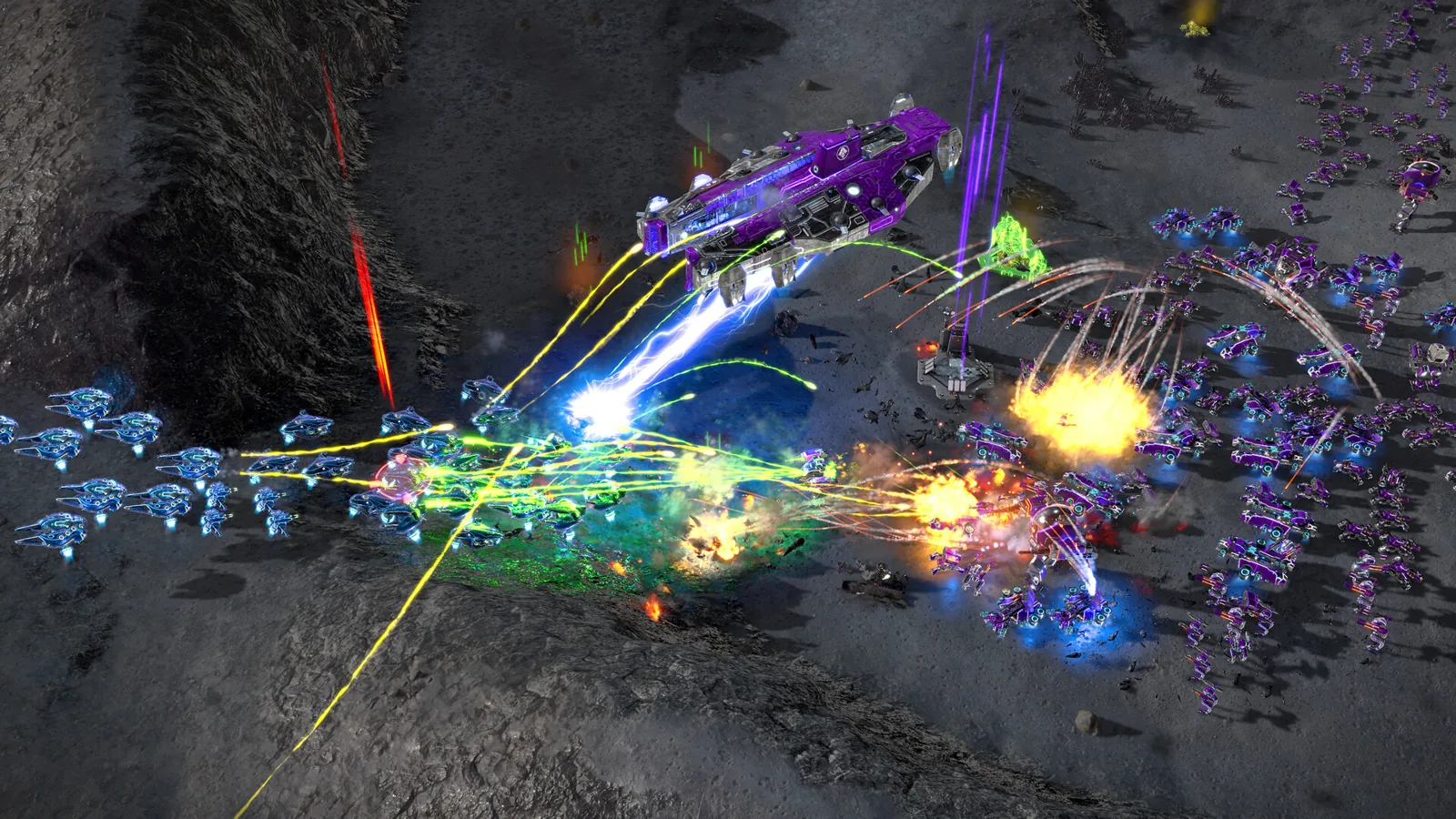
Ashes of the Singularity II Ashfall Caldera Map Guide
Is there an Ashes of the Singularity II Ashfall Caldera map? No confirmed name exists; demo and playtest map counts and region-based tactics explained.
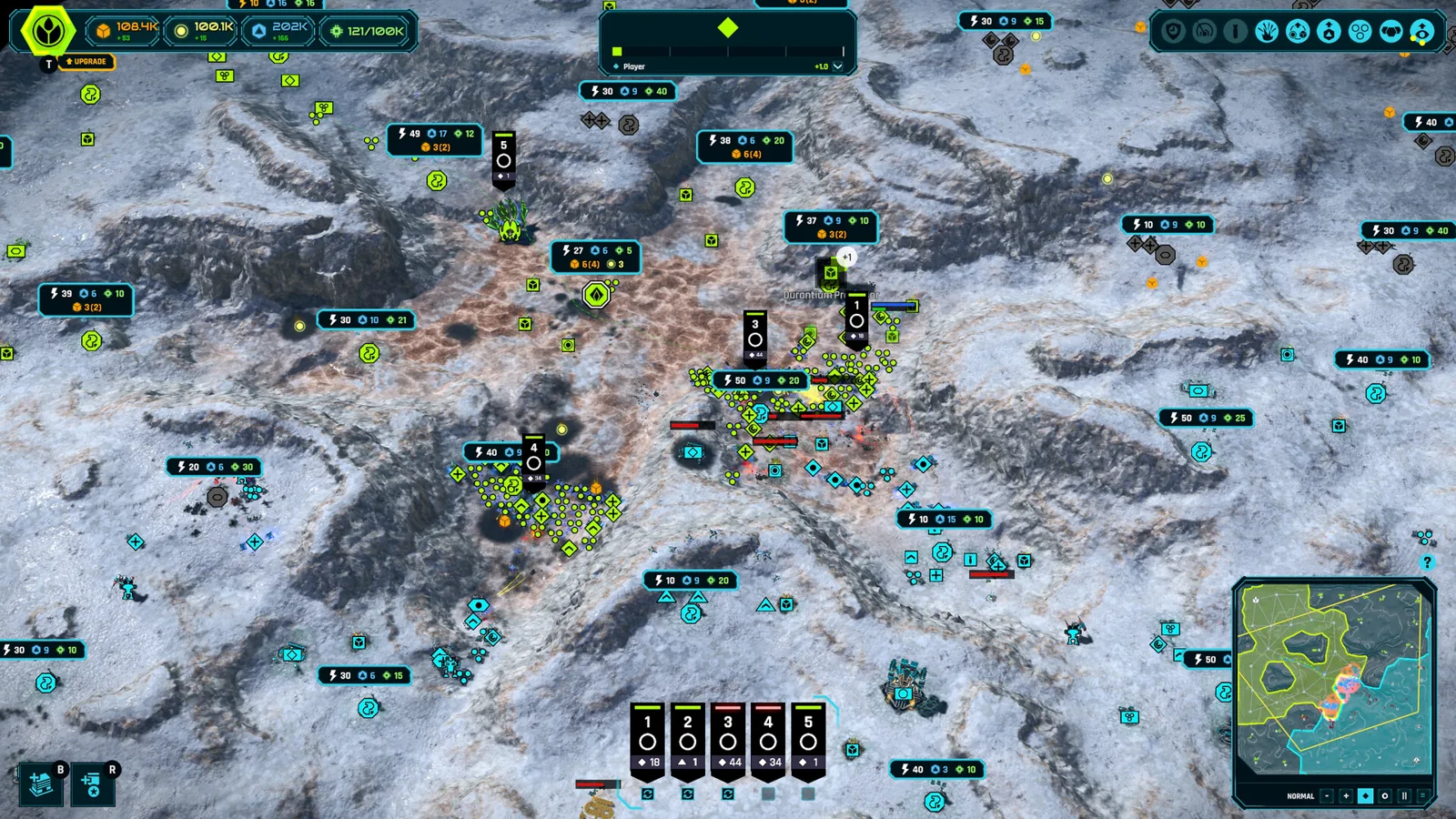
Ashes of the Singularity II Beginner Guide: First Match
This Ashes of the Singularity II beginner guide walks you through starting skirmish, building your base, capturing regions and winning your first match.
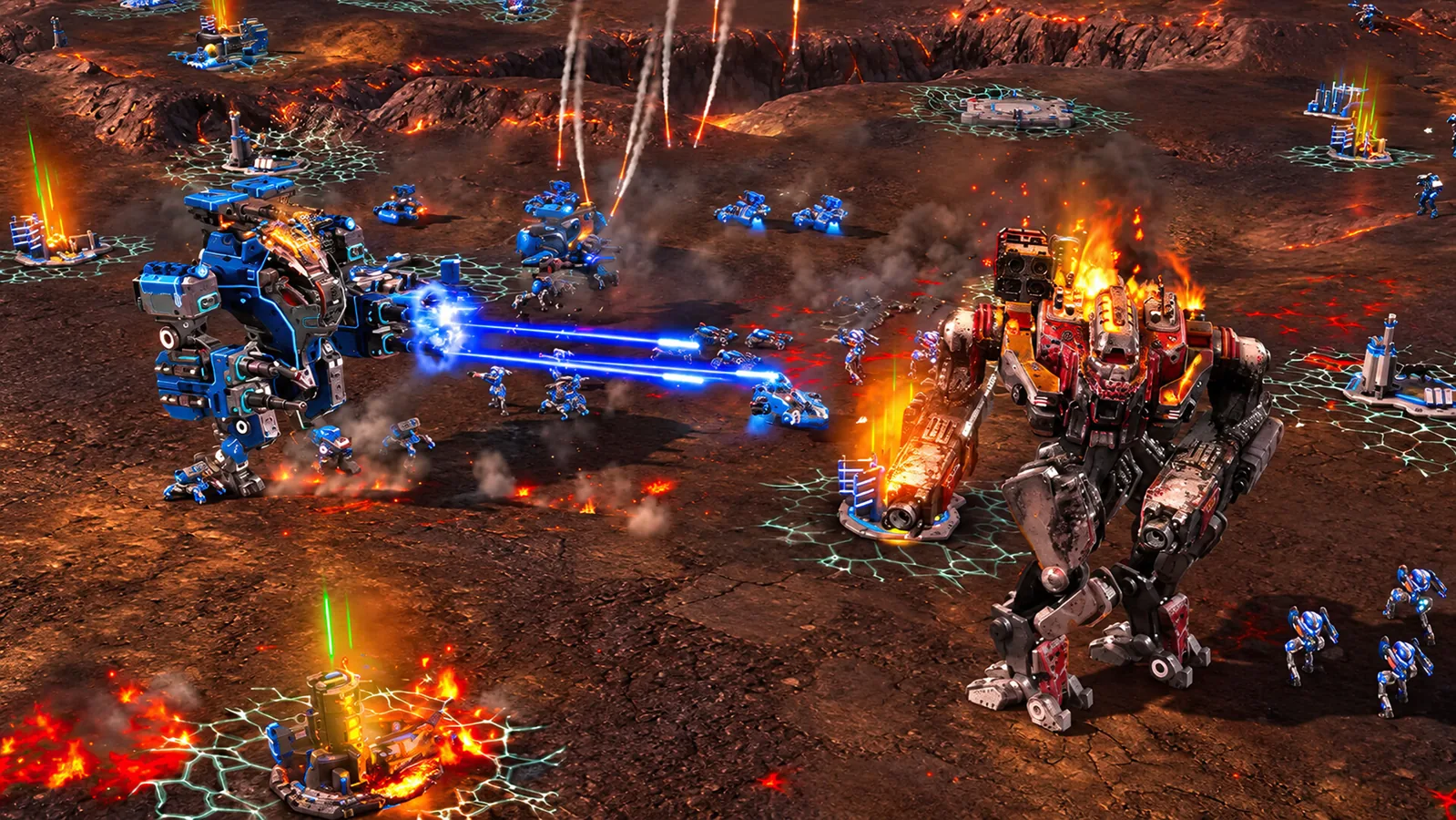
Ashes of the Singularity II Defenses: Turtling Guide
Learn how Ashes of the Singularity II defenses work: building slots, turret placement, flak batteries and mortar turrets to fortify your base against attacks.
Ashes of the Singularity II Army Control: Groups, Orders
Learn Ashes of the Singularity II army control: create armies, set rally points, use formations, reinforce and auto-replenish, and issue move and attack orders.
Access Guides Index
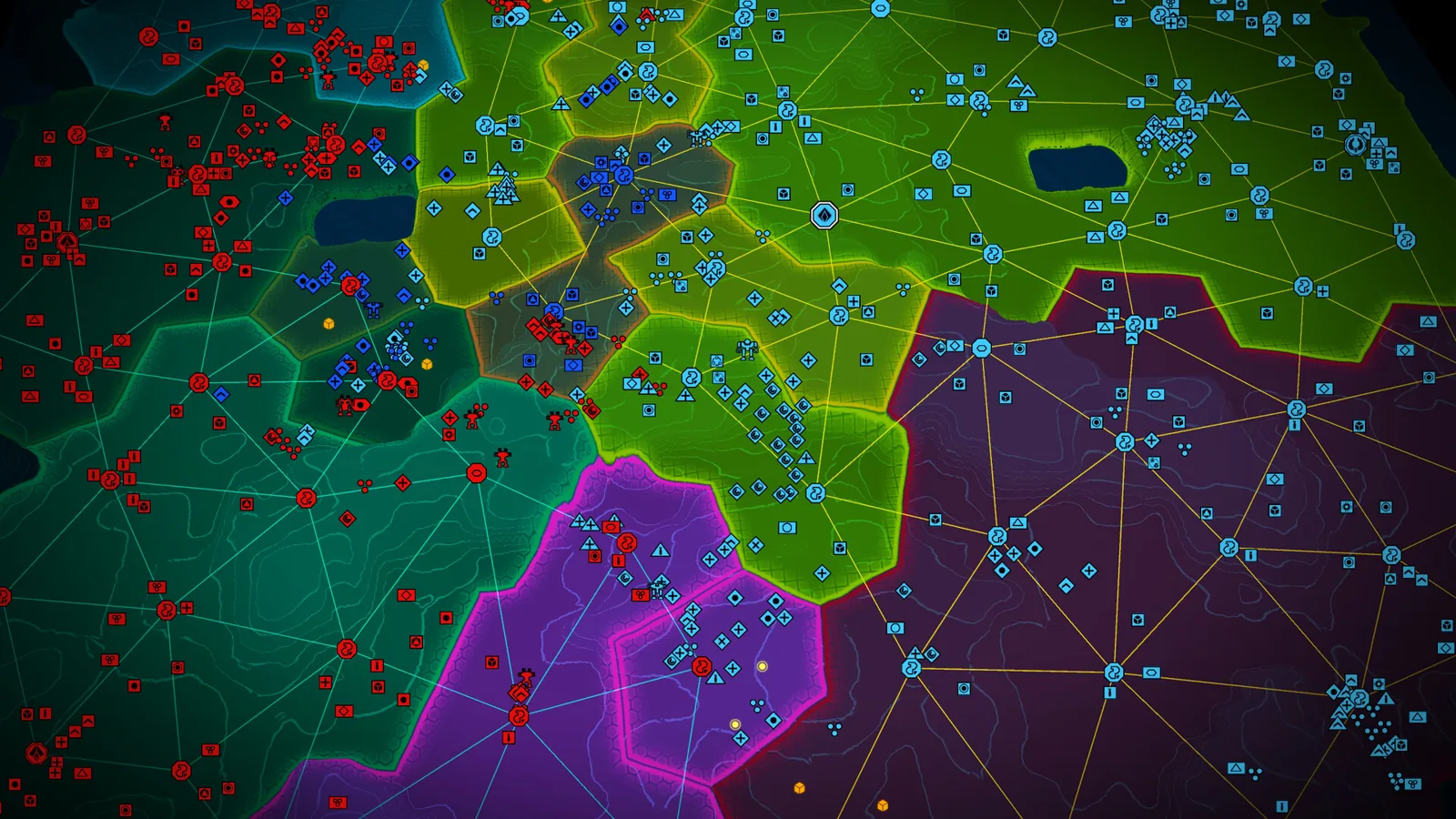
Ashes of the Singularity II Demo: Free Content Guide
Learn what the free Ashes of the Singularity II demo from Steam Next Fest includes: two factions, 8-player multiplayer, three maps and full skirmish mode.
Factions Guides Index
Ashes of the Singularity II PHC Guide: Quanta & Commanders
This Ashes of the Singularity II PHC guide explains the faction's tech research, quanta spending, unit roster, and commander choices so you can play it well.