Ashes of the Singularity II Beginner Guide: First Match
Quick answer
Beginner players should start their first Ashes of the Singularity II game through Skirmish from the main menu, keep the default Twin Lakes map, and hit Start to face a trainy AI — a very easy, almost sandbox-style opponent that makes learning the game simple. This beginner guide covers that route from the Getting Started video, which shows everything a first match needs: map selection, player configuration, base building, territory capture, and the win condition.
| Developer and publisher | Oxide Games; Stardock EntertainmentAshes of the Singularity II on Steam |
|---|---|
| Release date | November 10, 2026Ashes of the Singularity II on Steam |
| Minimum specs | Windows 10/11 64-bit, Ryzen 5 2400G or i5-8500, 8 GB RAM, RX 580 8GB or GTX 1660, 50 GB storage (SSD recommended)Ashes of the Singularity II on Steam |
| Tutorial | Woven into the campaign; no separate training modeFrequently Asked Questions for Ashes of the Singularity II |
This Ashes of the Singularity II beginner guide walks you through starting skirmish, building your base, capturing regions and winning your first match.
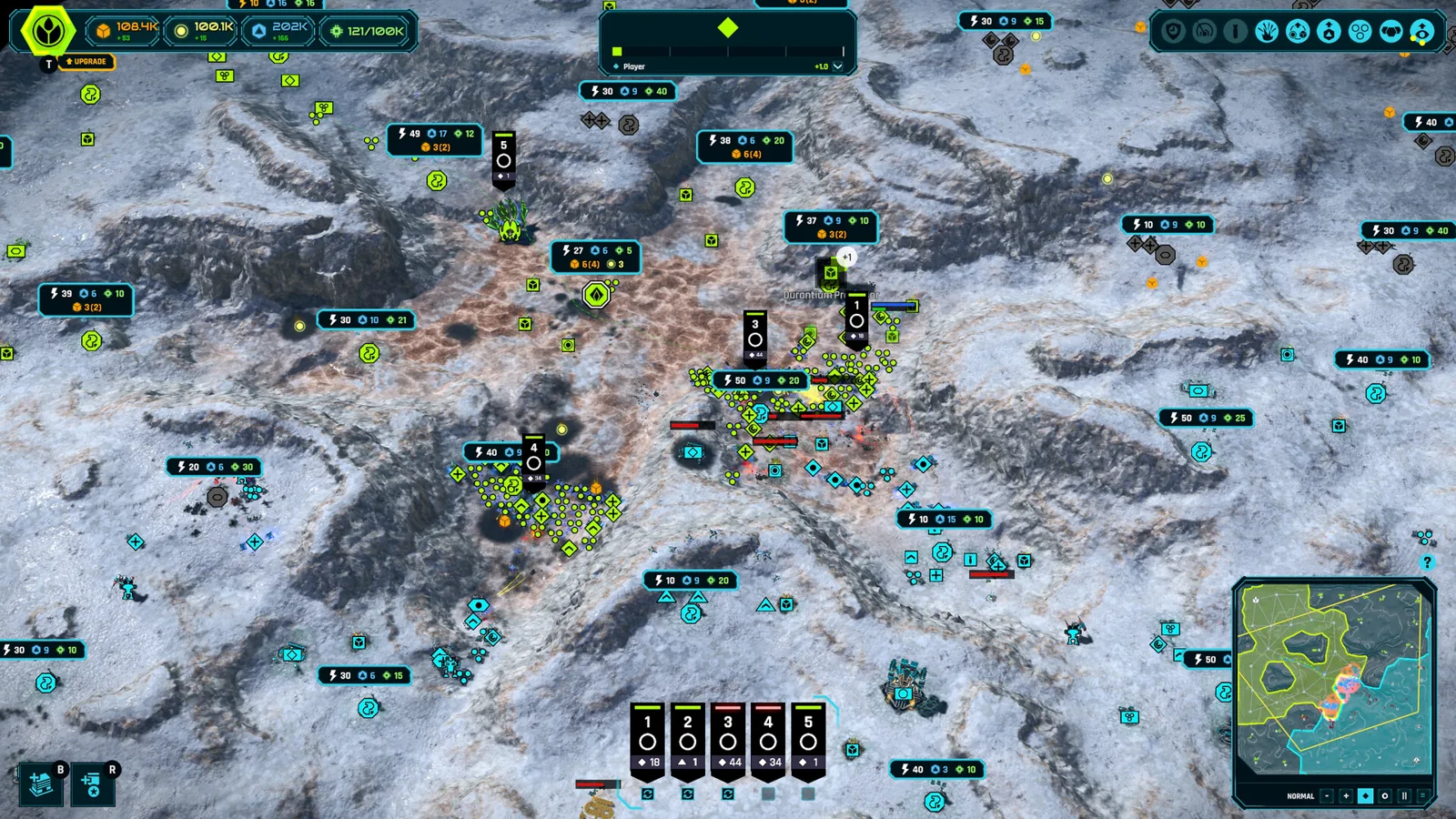
Table of Contents
Beginner players should start their first Ashes of the Singularity II game through Skirmish from the main menu, keep the default Twin Lakes map, and hit Start to face a trainy AI — a very easy, almost sandbox-style opponent that makes learning the game simple. This beginner guide covers that route from the Getting Started video, which shows everything a first match needs: map selection, player configuration, base building, territory capture, and the win condition.
Prerequisites before your first match
Ashes of the Singularity II launches on Steam on November 10, 2026, developed by Oxide Games and published by Stardock Entertainment. As of 2026-11-05, the official Steam page lists Windows only, so you need a 64-bit Windows 10 or 11 PC.
Minimum requirements per the Steam page:
| Component | Minimum | Recommended |
|---|---|---|
| CPU | AMD Ryzen 5 2400G / Intel i5-8500 | Ryzen 5 5600X / i5-11600K or better |
| RAM | 8 GB | 16 GB |
| GPU | AMD RX 580 8GB / NVIDIA GTX 1660 6GB | AMD 6750 XT 8GB / NVIDIA RTX 3070 8GB |
| Storage | 50 GB (SSD recommended) | 50 GB (SSD recommended) |
| DirectX | Version 12 | Version 12 |
You do not need to have played the first game. Stardock's official FAQ states the story is told from an entirely new point of view and the campaign naturally introduces the core ideas of the Ashes universe as you play.
Starting the match
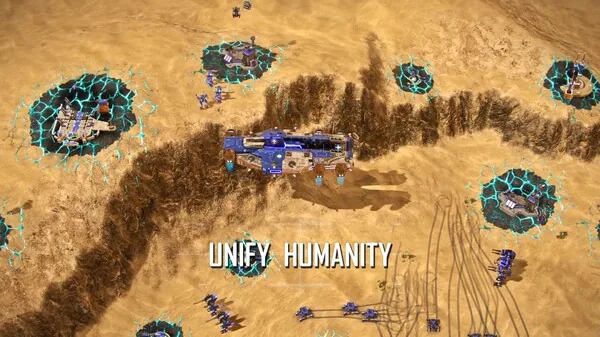
Pick Skirmish from the main menu
Skirmish is the Instant Action mode where you pick a battlefield and take on computer-controlled opponents. It is the fastest way into a real game without campaign commitments.
Accept or change the map
The first screen lets you select a map. For your first game, simply hit Next to stay on the default Twin Lakes map.
Confirm the player configuration
The player configuration screen sets your opponent. A first game against a trainy AI gives you a forgiving environment to learn pacing, building, and combat.
Hit Start
When the match loads, a tutorial popup appears on your first session explaining parts of the interface. You can close it and reopen it anytime by clicking the question mark button near the bottom-right corner minimap.
Your opening moves
You begin with a small base in a corner of the map. Your first session should cover four things: construct a building, capture territory, grow your economy, and win your first fight.
Construct your first building. Click the building button to open the building construction menu and place a barracks. The barracks recruits UEF infantry units, and it must go in an owned region where an available spot exists — you cannot place it in unowned regions nearby.
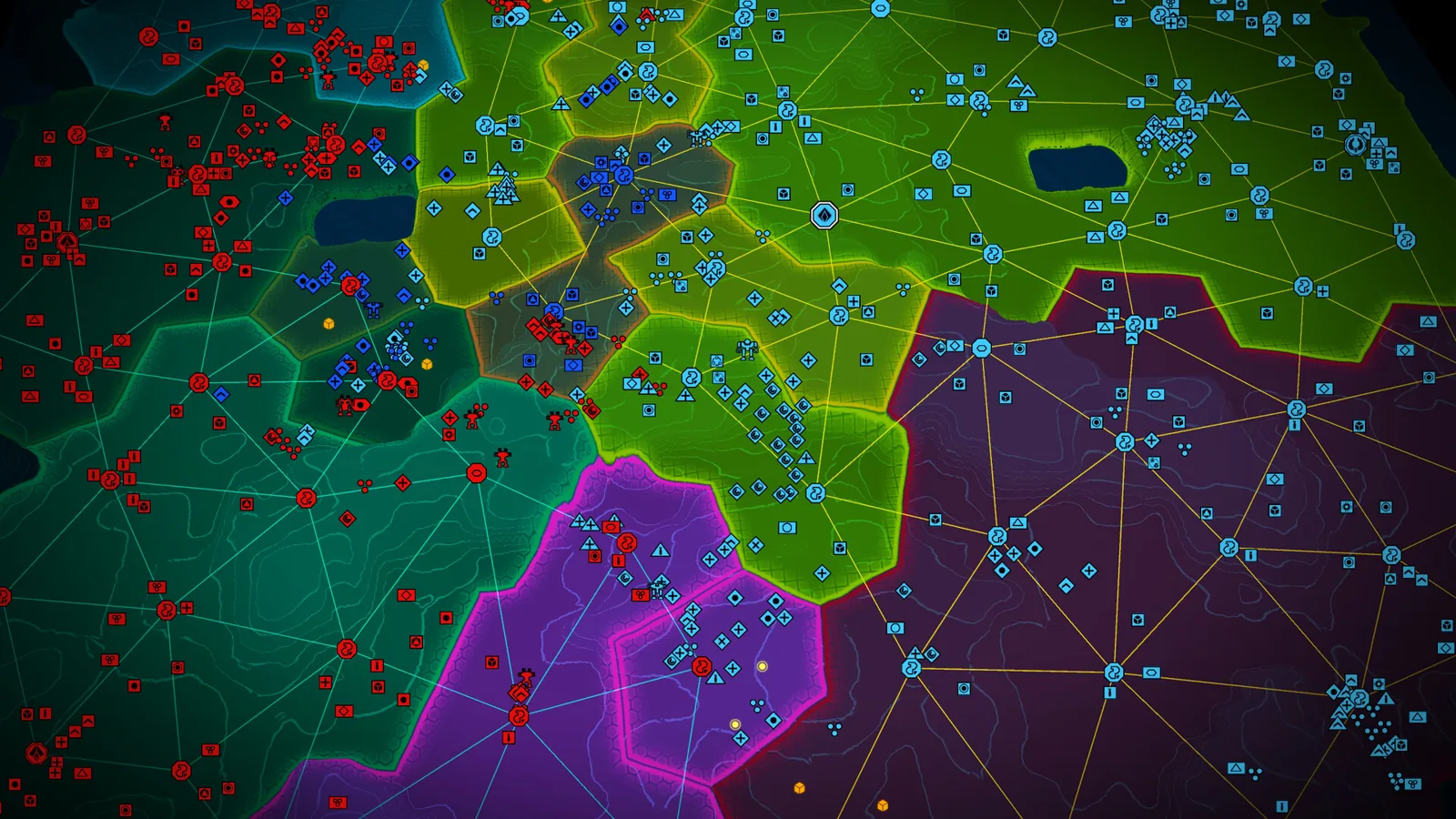
Capture nearby territory with your Razor squad. Your starting army contains a Razor squad, a powerful initial UEF unit. Select it with left click, then right click a destination to move, or use the E hotkey for an attack-move that engages anything encountered along the way. Expect hostile skirmish defenders around neutral power relays; after clearing them, the squad must hold the relay for about 10 seconds to capture the region.
Build your economy. Back at base, open the construction menu again and place Turinium extractors on Turinium nodes. Hold left shift while placing to queue multiple buildings at once.
Recruit a second army. Click the new army button or click your barracks to open recruitment, then left click to increase and right click to decrease unit counts. The new army assembles at its numbered banner rally point, and newly spawned units automatically join it and move wherever that army moves — even if you change the rally point mid-march.
Mid-match habits that win games
A few systems from the Getting Started walkthrough will carry you through the rest of a match:
- Technology unlocks. When a technology unlock appears, a glowing indicator appears next to the technologies button in the top right. Open it, pick something like Garrison Protocol to unlock new infantry, and click purchase. You can browse the technology trees there anytime while the game is paused.
- Orbitals. Use orbital abilities to spot in units such as a recon drone. Scouting the backside of a position, then attacking from the front while dropping infantry behind, is a simple way to overwhelm neutral defenders.
- Reinforcing armies. Select an army, open the recruit screen, and raise its size — for example, from four to eight rifle squads. New units spawn from the closest barracks and march out to rejoin the army wherever it currently is. Click the replenish or auto button to have losses replaced automatically; each replacement consumes resources, so avoid leaving too many armies on auto-replenish.
- UI toggle. The F3 key turns the interface off, which is handy for watching large battles.
How you win
You win a skirmish match by destroying all enemy headquarters or nexuses — the large buildings where each player starts. Until then, keep the loop going: capture regions, explore the map, build resource extractors on various nodes, and push toward the enemy base.
One economy warning from a PHC demo playthrough: Ashes II runs a streaming economy, so several construction and recruitment projects draining income at once can push you into negative income. Capture mine-rich territories quickly and spread armies in different map directions to fund a greedy opening.
Next steps
- The maps page helps you choose beyond the default Twin Lakes once you are comfortable.
- The army control page expands on the selection, rally, and reinforcement systems introduced above.
- The defenses page covers how to hold the territories you capture.
FAQ
Is there a separate tutorial mode?
No. Per Stardock's FAQ, the tutorial is woven into the campaign — new mechanics and systems are introduced naturally as you play, so there is no separate training mode. In skirmish, a first-session popup explains the interface and can be reopened via the question mark near the minimap.
Do I need the first Ashes of the Singularity game first?
No. The official FAQ says you do not need to have played the first game; the campaign introduces who the PHC, UEF, Haalee, and the Substrate are as you go, and the game is built for both brand-new players and veterans.
How do I use this Ashes of the Singularity II beginner guide flow against real players?
Master the skirmish loop first — build, capture, reinforce — then move to multiplayer. Up to 8 players are supported at release, and you can fill online multiplayer slots with bots or play mixed human-and-AI games, per the official FAQ.
Can I play co-op as a beginner?
Yes. You can team up with friends in online co-op against AI opponents, which is a low-pressure way to learn. Stardock has mentioned looking into additional co-op modes but has made no formal announcements about launch inclusion.
Check note: match setup and gameplay steps come from the Getting Started video (YouTube) and the PHC demo playthrough (YouTube); prerequisites, release, and system facts come from the official Steam store page; tutorial and accessibility details come from Stardock's official FAQ and the pinned Steam FAQ by RammaStardock. Exact skirmish menu labels reflect that video's build and may shift with updates; performance beyond the listed requirements is unconfirmed.
Related guides for this game
Guide Guides Index
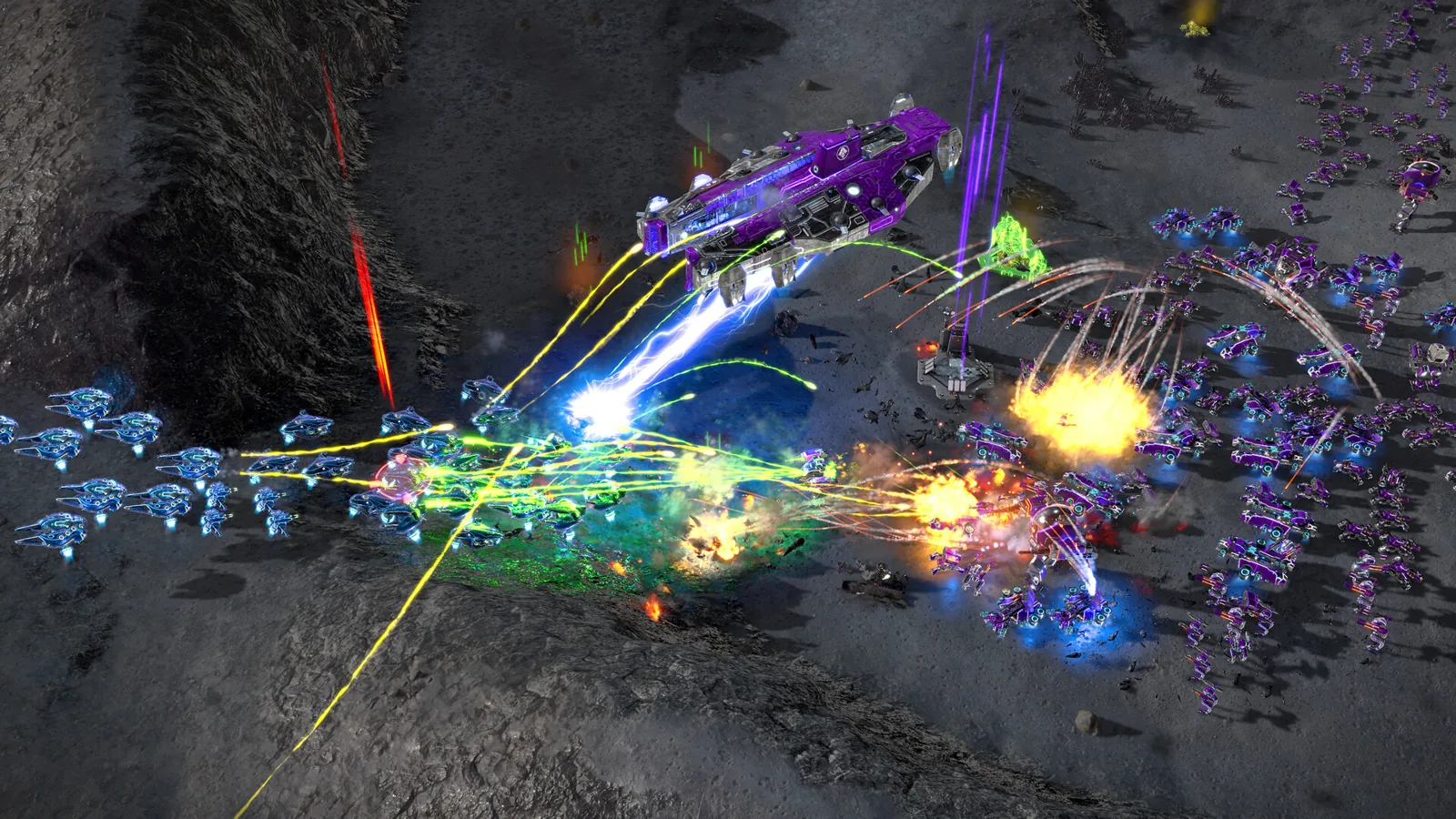
Ashes of the Singularity II Ashfall Caldera Map Guide
Is there an Ashes of the Singularity II Ashfall Caldera map? No confirmed name exists; demo and playtest map counts and region-based tactics explained.
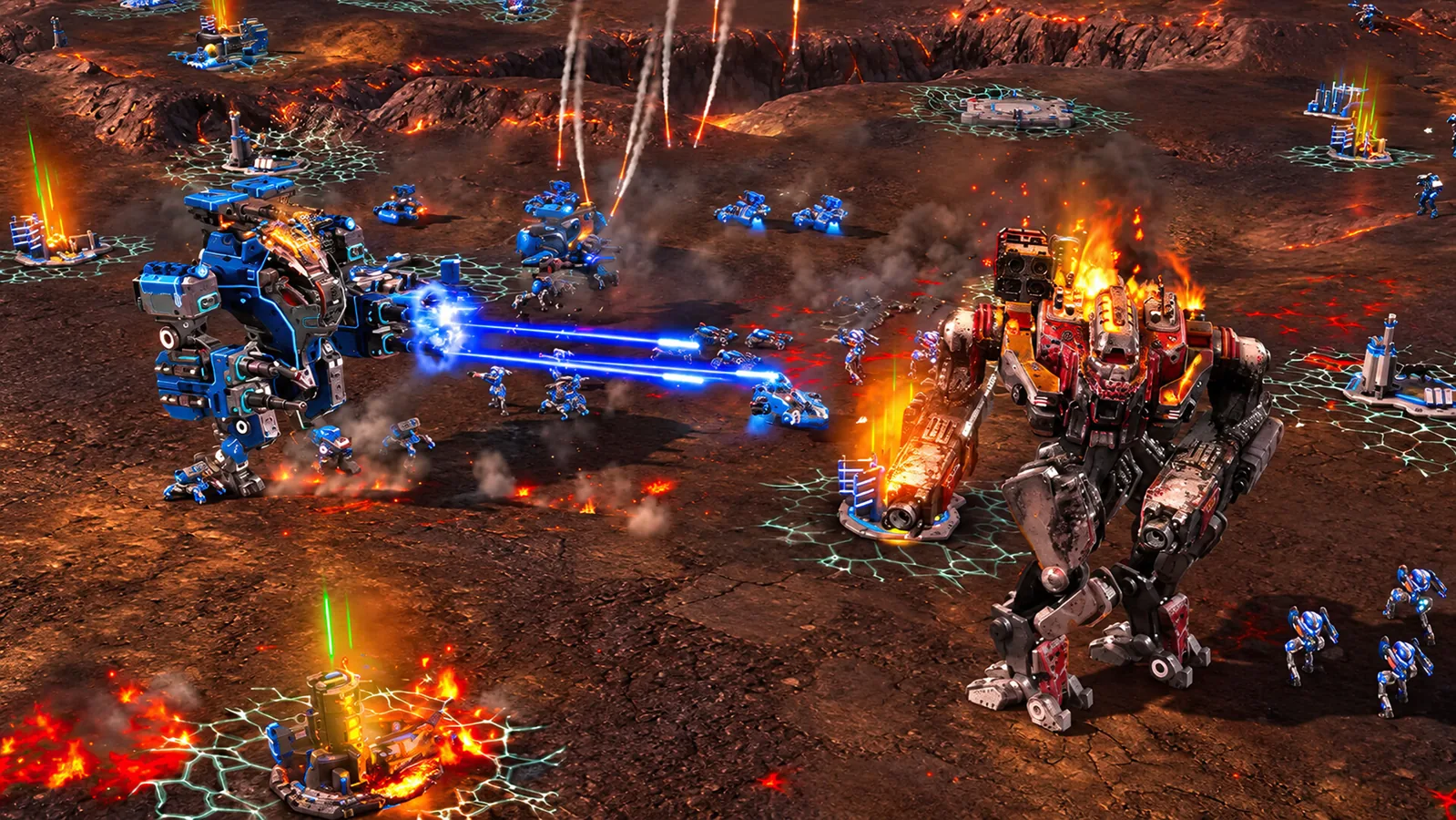
Ashes of the Singularity II Defenses: Turtling Guide
Learn how Ashes of the Singularity II defenses work: building slots, turret placement, flak batteries and mortar turrets to fortify your base against attacks.
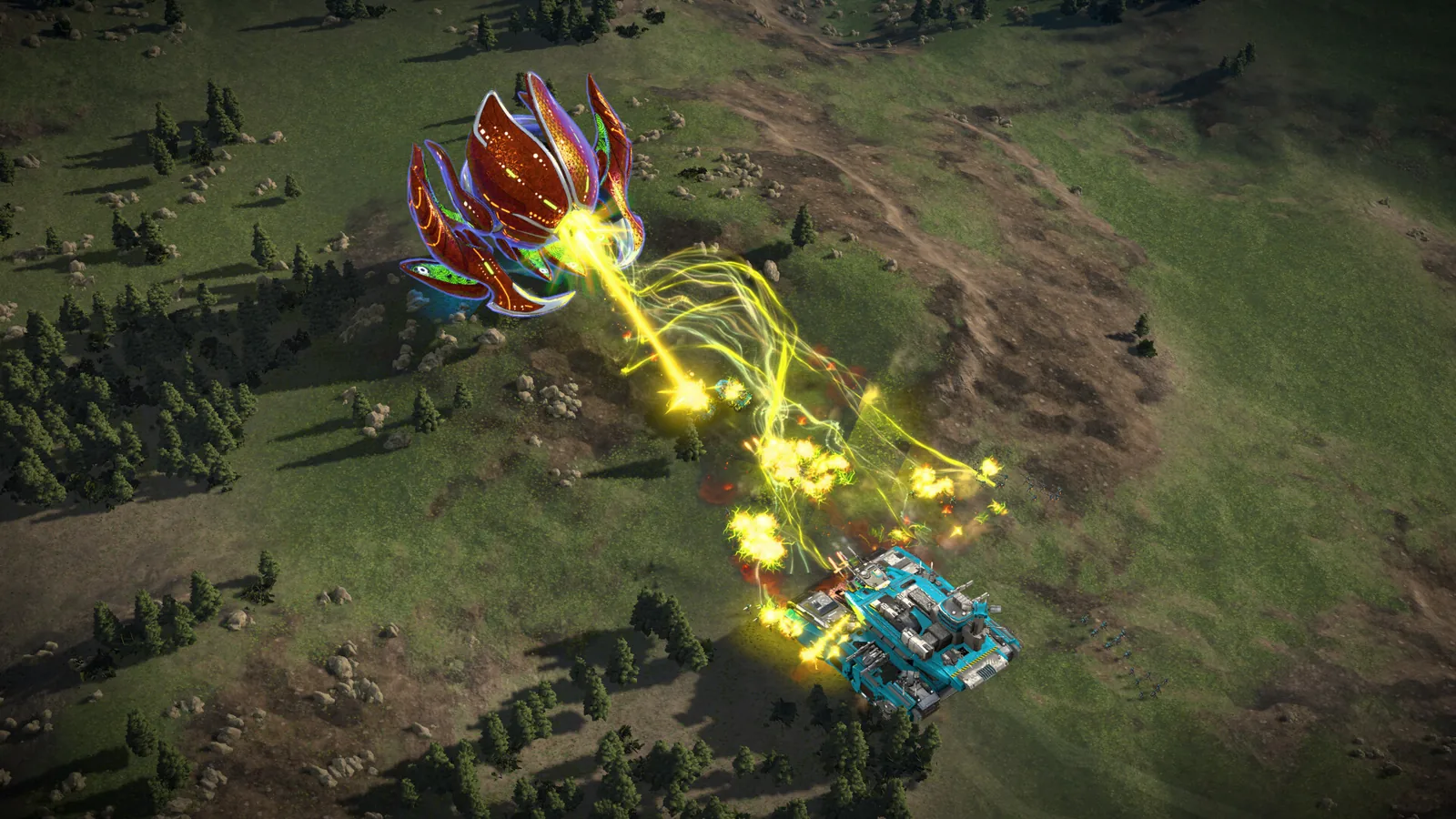
Ashes of the Singularity II Demo Walkthrough Guide
This Ashes of the Singularity II demo walkthrough covers factions, maps, modes and a first skirmish route from base build to victory, answering how to win.
Ashes of the Singularity II Army Control: Groups, Orders
Learn Ashes of the Singularity II army control: create armies, set rally points, use formations, reinforce and auto-replenish, and issue move and attack orders.
Access Guides Index
Ashes of the Singularity II Demo: Free Content Guide
Learn what the free Ashes of the Singularity II demo from Steam Next Fest includes: two factions, 8-player multiplayer, three maps and full skirmish mode.
Factions Guides Index
Ashes of the Singularity II PHC Guide: Quanta & Commanders
This Ashes of the Singularity II PHC guide explains the faction's tech research, quanta spending, unit roster, and commander choices so you can play it well.