Ashes of the Singularity II Controls and Input Options
Quick answer
Play Ashes of the Singularity II with a mouse and keyboard: left click selects, right click issues move orders, and the E hotkey issues an attack-move — and the official Steam page lists only partial controller support, so a full gamepad control scheme is not the intended way to play.
| Attack-move hotkey | E issues an attack-move orderGetting Started | Ashes of the Singularity II (official gameplay walkthrough video) |
|---|---|
| Building queue | Hold Shift while placing to queue multiple buildingsGetting Started | Ashes of the Singularity II (official gameplay walkthrough video) |
| Controller support | Partial controller support, Xbox Controllers listedAshes of the Singularity II on Steam |
| Help popup | Reopen the tutorial popup via the question mark button near the bottom-right minimapGetting Started | Ashes of the Singularity II (official gameplay walkthrough video) |
Ashes of the Singularity II controls explained: confirmed mouse commands, the E attack-move hotkey, Shift building queues, and controller support details.
Table of Contents
Play Ashes of the Singularity II with a mouse and keyboard: left click selects, right click issues move orders, and the E hotkey issues an attack-move — and the official Steam page lists only partial controller support, so a full gamepad control scheme is not the intended way to play.
What input the game is built around
Ashes of the Singularity II is a PC release on Windows 10/11, scheduled to unlock on Steam on November 10, 2026. As of the page checked on 2026-11-05, the official Steam page lists the game under Windows only, with "Partial Controller Support" and an "Xbox Controllers" section among its Steam features.
Partial support means a controller can be used to some degree, but a mouse and keyboard remain the primary input. That fits the developer's stated design, since the game deliberately avoids rewarding fast reflexes or heavy micromanagement. Stardock and Oxide have also emphasized new interface and control features for handling the game's huge maps and vast armies, so the UI does much of the order-heavy work for you.
Confirmed basic controls
The official Getting Started gameplay walkthrough demonstrates the following commands on screen. These are the concrete, confirmed input mappings for the current build:
| Action | Input |
|---|---|
| Select a unit or army | Left click |
| Issue a move order | Left click to select, then right click a destination |
| Issue an attack-move order | Press E (or left click the destination) |
| Add units to a recruitment count | Left click to increase, right click to decrease |
| Queue multiple buildings | Hold Shift while placing |
| Reopen the tutorial/help popup | Question mark button near the bottom-right minimap |
| Open the building construction menu | Click the building button |
| Recruit a new army | Click the new army button, or click a barracks |
A few of these deserve a closer look because they change how you actually play.
Attack-move with E. When you select an army and press E (or left click a target area), the units move toward that point and automatically attack anything hostile they encounter on the way — then resume their move after the fight. This is the default way to advance into contested territory, and in the walkthrough the Razor squad clears skirmish defenders around a power relay without any further input.
Shift-queued construction. After opening the building construction menu, hold left Shift while placing to queue several buildings in one pass — the walkthrough uses this to drop multiple derium extractors on resource nodes at once.
Left/right click counting. In the recruit screen, left click raises the unit count (the walkthrough bumps a new army to four rifle squads) and right click lowers it. The same screen lets you reinforce an existing army later, adjusting its composition up or down at any time.
Orders the UI handles for you
Several "controls" in Ashes II are really one-click commands rather than hotkeys:
- Rally points. A new army spawns at a numbered banner (its initial rally point). Move that banner and every unit that spawns from the barracks automatically marches to where the army currently is — and follows it if you move the point again.
- Auto-replenish. In an army's recruit screen, click the replenish button or toggle auto, and killed units are replaced automatically as resources allow. Note the walkthrough's caution: replenishment consumes resources each time, so running too many armies on auto-replenish drains your economy.
- Army-level pathfinding. The developer FAQ says pathfinding runs at the army, unit, and element levels with separate algorithms per tier, so you issue orders to armies rather than steering individual units.
- Technology and orbitals. The technologies button sits at the top right and glows when an unlock is available; you can browse the tech trees while the game is paused. Orbital abilities (such as spawning recon drones or infantry drops) are activated from their own buttons.
Learning the interface in game
You do not need an outside cheat sheet to pick up the controls. Stardock's FAQ confirms the tutorial is woven directly into the campaign: new mechanics and systems are introduced step by step as you play, with no separate training mode.
In skirmish, the Getting Started walkthrough shows that on your first session a tutorial popup appears explaining parts of the interface. If you close it, you can bring it back at any time by clicking the question mark button near the bottom-right corner of the minimap.
A low-pressure way to practice these controls: from the main menu choose Skirmish, keep the default Twin Lakes map, and leave the opponent as the trainy AI — described as a very easy, almost sandbox-style opponent — then hit start and drill the orders above.
Start a safe practice match
From the main menu, select Skirmish, hit Next on the Twin Lakes map, and start against the trainy AI.Close, then reopen the tutorial
Dismiss the first-session tutorial popup if you like; reopen it anytime with the question mark button near the bottom-right minimap.Drill the core orders
Select your Razor squad with left click, right click to move, then use E for attack-move into a nearby region.Practice construction flow
Open the building menu, place a barracks in an owned region, then hold Shift to queue several derium extractors on nodes.Set rally and replenish
Click a barracks to recruit a new army, drag its rally banner to the front, and toggle auto-replenish on one army to see how it drains resources.
Camera and accessibility input options
The Steam page's accessibility features confirm several input-related options: adjustable text size, adjustable difficulty, the ability to save anytime, and playability without timed input (no quick-time events). Custom volume controls and stereo/surround sound round out the list. Steam Deck compatibility is listed as Unknown as of 2026-11-05.
The camera supports Strategic Zoom, letting you move seamlessly from orbital command views down to frontline combat — the core way you navigate the continent-sized maps. On the Quarter To Three forums, a player asked whether the camera can drop to a parallel ground-level view to appreciate unit scale; the thread reflects community interest, but the exact camera key bindings have not been confirmed.
Next steps
- New to the game overall? Our beginner guide builds on these controls with economy and expansion strategy.
- Want to practice the inputs in a structured setting? The demo walkthrough covers the Next Fest demo content where these commands first appeared.
- Once orders feel natural, the defenses guide shows how to use blocking units and mortar emplacements at choke points.
FAQ
What are the Ashes of the Singularity II controls?
The confirmed basics are: left click to select, right click to move, E to attack-move, Shift held while placing to queue buildings, and left/right click in the recruit screen to raise or lower unit counts. The full bindings list has not been published as of 2026-11-05, so check the in-game options menu for anything beyond these.
Can I play with a controller?
The official Steam page lists Partial Controller Support and an Xbox Controllers section among its features, but a mouse and keyboard are the primary input; no full gamepad control scheme has been described.
Is there a separate tutorial mode?
No. Stardock's FAQ states the tutorial is woven into the campaign, introducing mechanics step by step, and a help popup in skirmish can be reopened anytime via the question mark button near the minimap.
Does the game reward fast clicking and micromanagement?
No. The developer states victory comes from planning, logistics, and terrain rather than speed or reflexes, with features like auto-replenishing armies and army-level rally points removing most build-and-rally busywork.
Check note: control facts come from the official Getting Started walkthrough video (YouTube) and the official Steam store page for Ashes of the Singularity II; tutorial and interface statements come from Stardock's official FAQ. The complete key bindings list and exact camera controls remain unconfirmed in official material as of 2026-11-05.
Related guides for this game
Guide Guides Index
Ashes of the Singularity II Maps: Sizes and Map Generation
How Ashes of the Singularity II maps work: pre-built and procedural battlefields, map sizes, and shareable seeds for skirmish, co-op and multiplayer play.
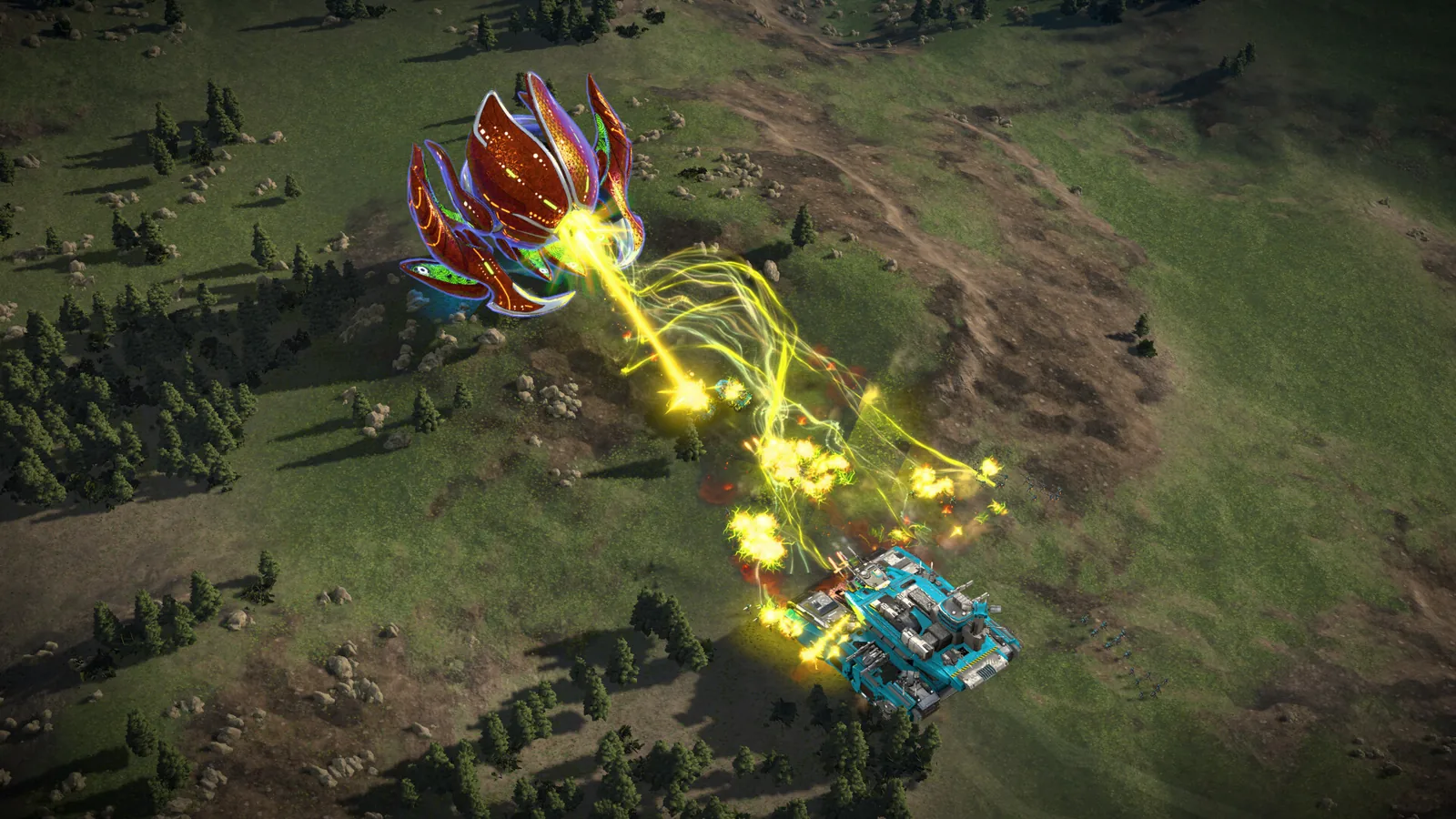
Ashes of the Singularity II Army Control: Groups, Orders
Learn Ashes of the Singularity II army control: create armies, set rally points, use formations, reinforce and auto-replenish, and issue move and attack orders.
Ashes of the Singularity II Ashfall Caldera Map Guide
Is there an Ashes of the Singularity II Ashfall Caldera map? No confirmed name exists; demo and playtest map counts and region-based tactics explained.
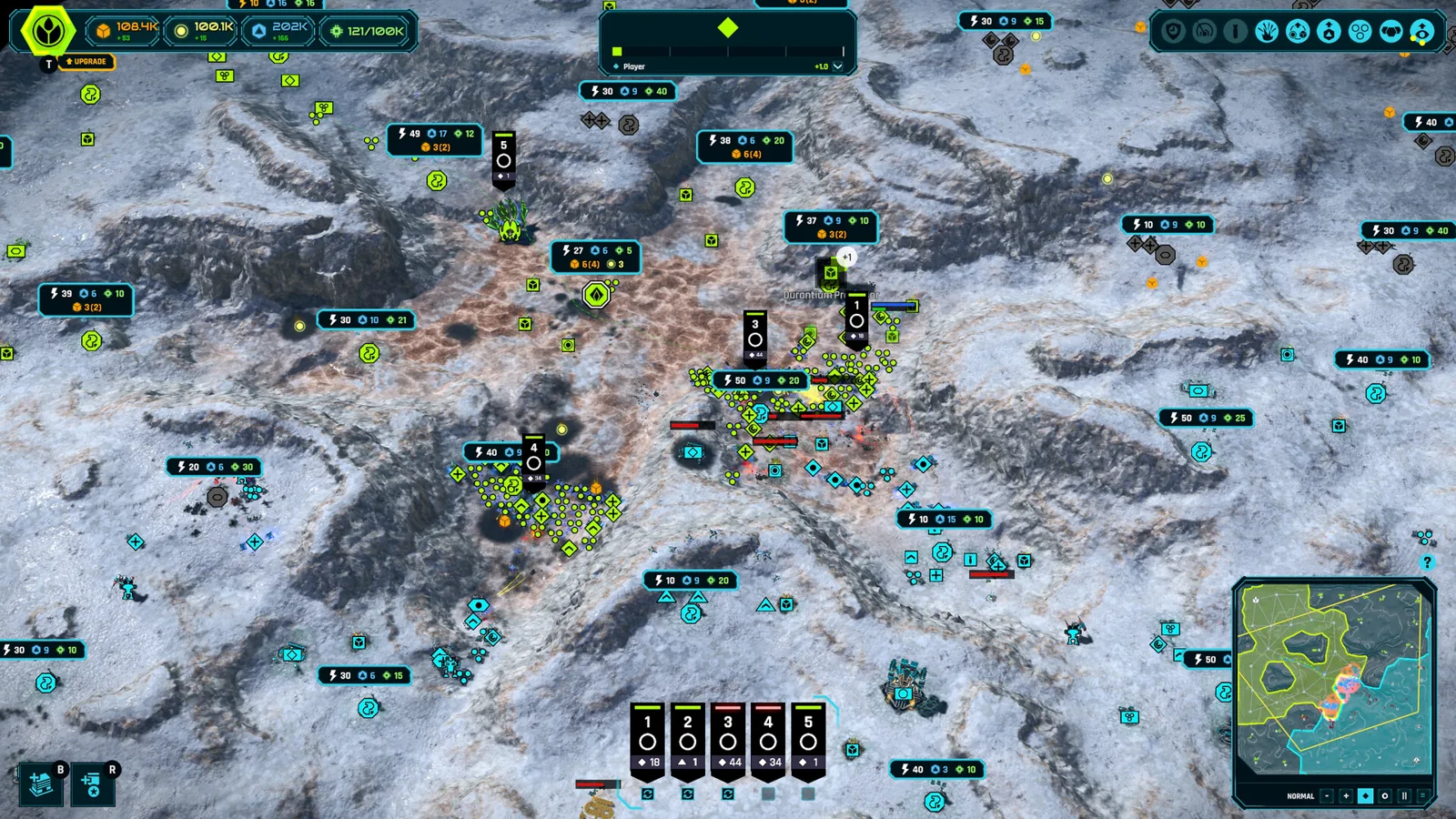
Ashes of the Singularity II Beginner Guide: First Match
This Ashes of the Singularity II beginner guide walks you through starting skirmish, building your base, capturing regions and winning your first match.
Access Guides Index
Ashes of the Singularity II Playtest: Dates and How to Join
The Ashes of the Singularity II playtest ran September 8-14, 2026 on Steam, joined with one click from the store page. See when it ran and how access worked.
Ashes of the Singularity II Steam Page, Release and Specs
Find the official Ashes of the Singularity II Steam page, its Nov 10, 2026 release date, key features, and the full minimum and recommended PC requirements.